
A pressure transmitter is installed on a pump skid, and the control panel has a spare Titania digital input. Can an engineer connect its 4–20 mA output and obtain a pressure reading over Modbus RTU? A digital input reports a state; a 4–20 mA transmitter conveys a continuously varying measurement. Confusing the two produces projects that appear wired but cannot deliver the specified trends, alarms or diagnostic information.
Start with the information the operator needs
Titania’s Modbus DI-8 DO-8 variant is documented as eight digital inputs and eight digital outputs. Its inputs suit correctly wired on/off field signals, subject to the approved electrical configuration. The Modbus connection makes those states available to the automation system; it does not convert the discrete channels into analogue measurement inputs.
A 4–20 mA pressure or level transmitter represents a process variable across a calibrated span. A dedicated analogue input measures that current and converts it to a numerical value with defined scaling and diagnostics. A digital input can indicate that a separate threshold device has tripped, but cannot show the underlying pressure or how fast it is approaching the setpoint.
Choose the appropriate interface
- Discrete alarm contact: For a simple “pressure low” or “tank high” condition, use a rated pressure switch or transmitter alarm contact. Connect it to the correct Titania input using the installed terminal drawing. Document contact polarity and behaviour on power loss.
- Analogue limit alarm with discrete output: When the instrument supplies only a current loop but one threshold status is sufficient, an approved signal conditioner or limit-alarm device can convert the measurement into a relay or transistor state. Specify its setpoint, hysteresis and fault response. Titania receives the status, not the measured current.
- Dedicated analogue input: For live readings, trends, multiple alarm levels or closed-loop control, select a properly rated 4–20 mA input module or controller channel. Pass its numerical data to the PLC or SCADA. Titania can still handle independent contacts, permissives and conventional output signals.
Protect the distinction between process and instrument faults
In a conventionally scaled loop, 4 mA represents the bottom of the configured measurement span, not automatically an alarm. A near-zero current may indicate a broken conductor, failed supply or transmitter fault. Use the instrument manufacturer’s documented under-range and fault signalling; no single fault threshold applies to every installation.
Define the digital state when the loop fails, the limit device loses power or the field cable opens. One normal-looking contact can hide several fault causes. Where that matters, add a separate healthy/fault indication or use an analogue input with quality status. The PLC should distinguish a genuine process trip from invalid instrumentation.
Review the whole electrical circuit
Check whether the transmitter is loop-powered, the available supply, circuit burden and permitted common-reference arrangement. Confirm Titania’s digital-input electrical limits and the installed dry-contact or PNP/NPN configuration against the delivered revision. A resistor across a digital input is not a substitute for a designed, rated analogue measurement circuit.
Review cable separation from motor wiring, shielding, earthing and any isolation barrier according to the site’s standards. If a signal participates in a protective function, a documented risk assessment and validated safety architecture determine the correct device; spare ordinary I/O capacity is not a safety qualification.
Commission the field signal and its reported state
- Record the instrument model, calibration range, approved drawing, wiring mode and expected failure response.
- Test the field instrument with an approved calibrator or controlled process; for analogue inputs include low, mid-span and high values.
- For threshold devices, test both sides of the setpoint, return hysteresis, broken-loop detection and loss of power.
- At Titania, verify the correct channel, observed input state, PLC tag and HMI status using the point-to-point commissioning guide.
- Read device identity and firmware revision, then use the matching released Modbus register map before interpreting or changing configuration. Refer to the Titania identity verification guide.
Retest after power restoration and an authorised communications interruption. Record whether the supervisory display shows a valid normal state, a process alarm or an invalid measurement. A stale healthy indication must not be mistaken for current evidence.
Document the selection before procurement
The decisive requirement is whether the application needs a discrete state or a measured process variable. The mixed-input retrofit guide covers differing discrete sensor conventions. For signal-schedule, revision and interface review, contact Tachyonic Intelligence before freezing the panel design.
Technical references: Titania 8DI/8DO controlled datasheet TTN-DS-2026-001, Rev 08 (site-hosted 22 July 2026), and Analog Devices AN-1312 on 4–20 mA measurements. Confirm feature availability, terminal details and register definitions against the actual hardware and firmware-specific register map; no register addresses are assumed here.
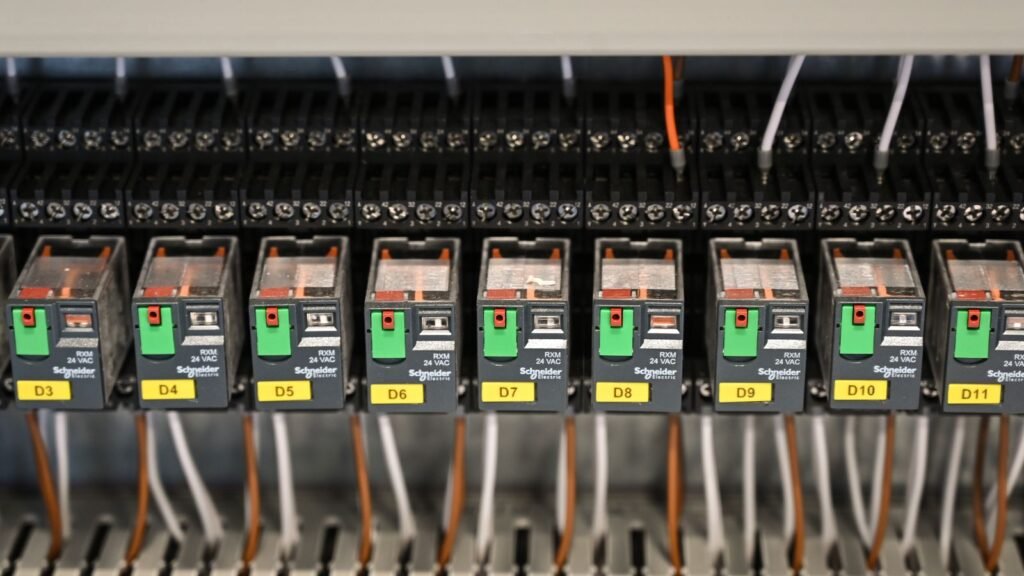
Image credit and disclaimer: “Close up of Boxes with Wires”, by Vladimir Srajber / Pexels, under the Pexels licence. Generic electrical relay panel, not a Titania installation, an analogue measurement test or an endorsement.